Use your screen as a light
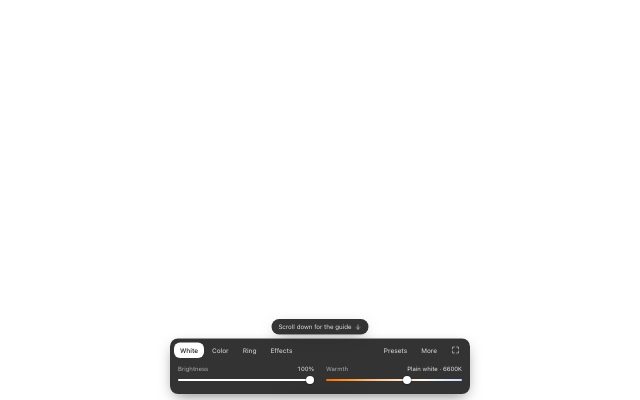
Monitor as Light turns your monitor, laptop, tablet or TV into a soft, adjustable light for video calls, photos and makeup. Next to the light there are fullscreen color screens, clocks and timers, monitor tests, harmless prank screens and screensavers. Everything runs in your browser, free, with no sign-up and no camera access.
Lights
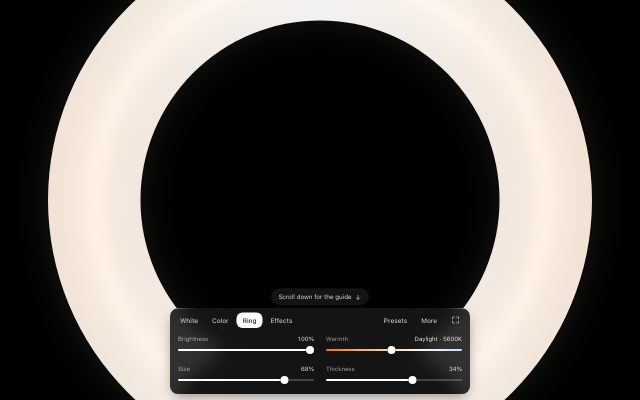
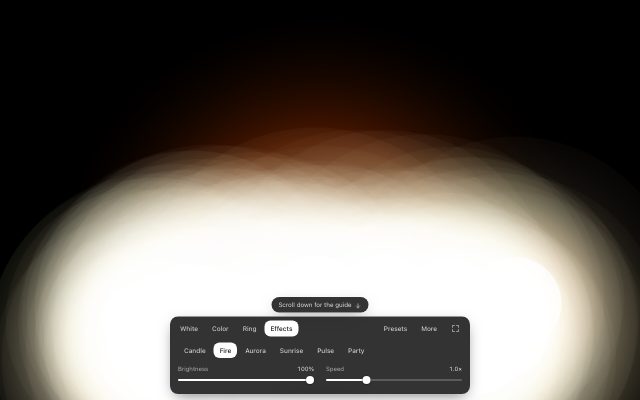
Soft, adjustable light for video calls, photos, makeup and tracing.
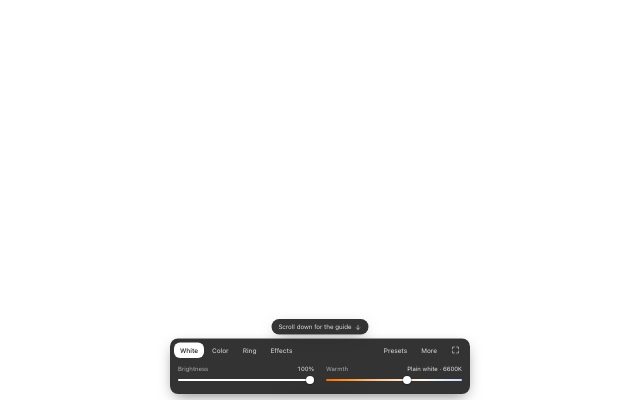
Color screens
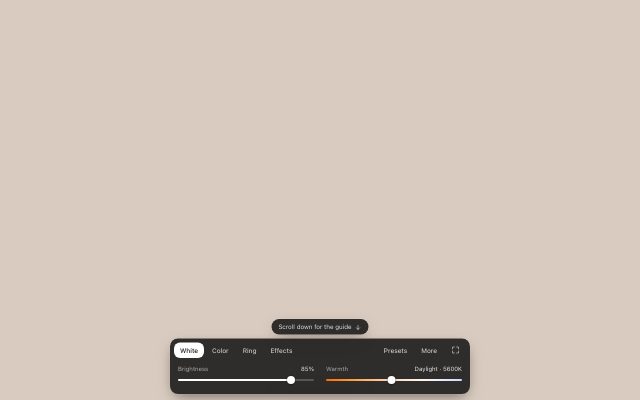
Solid fullscreen colors for display tests, backgrounds and accent light.





Clocks and timers
Big fullscreen clocks, timers and countdowns for spare monitors, classrooms, workouts and talks.
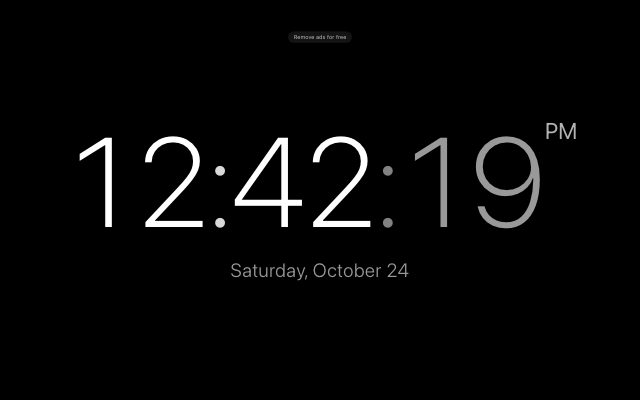 Fullscreen ClockBig digital time, any color.
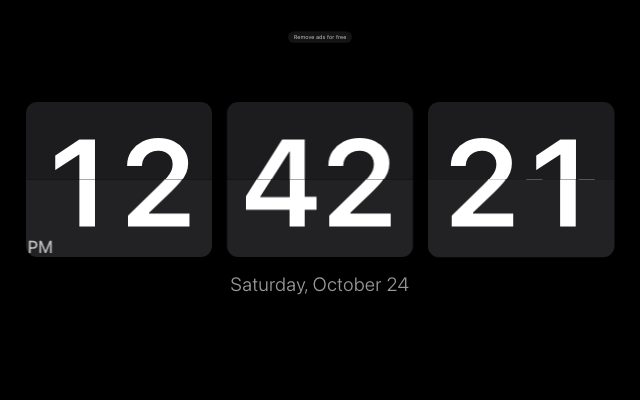 Flip ClockRetro split-flap cards.
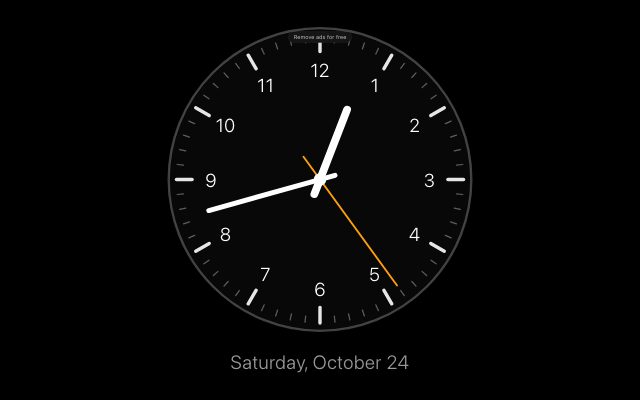 Analog ClockA big wall clock face.
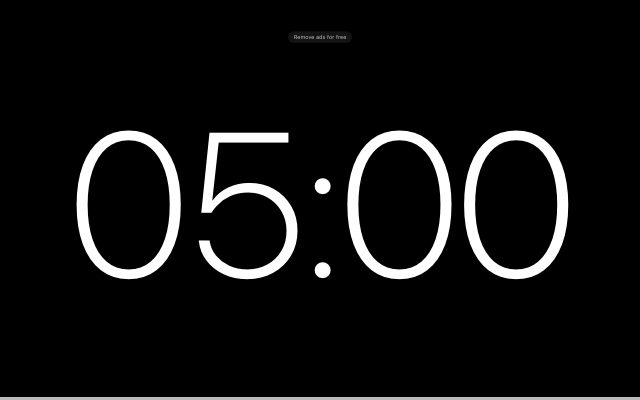 Countdown TimerBig numbers, alarm, share link.
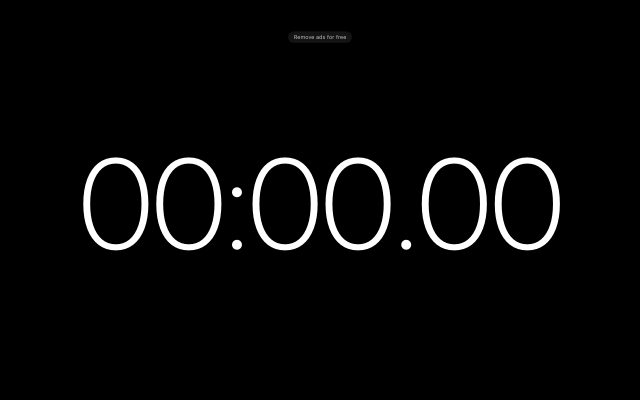 StopwatchLaps and hundredths.
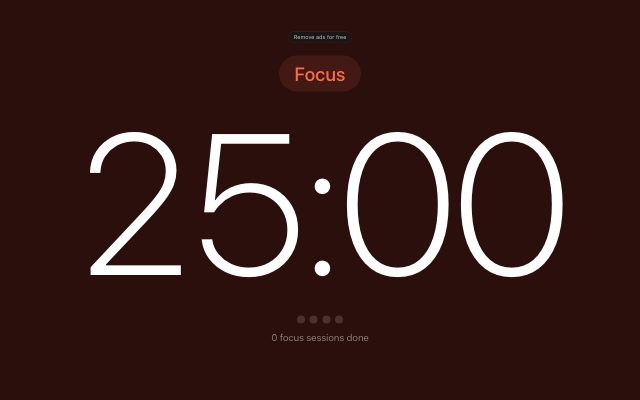 Pomodoro TimerFocus 25, break 5.
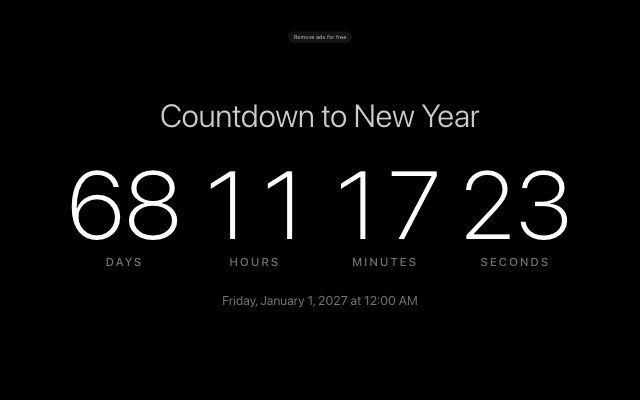 Event CountdownDays to your date, shareable.
 Christmas CountdownDays until 25 December.
 New Year CountdownTo midnight on 31 December.
Monitor tests
Test patterns for dead pixels, backlight bleed, uniformity, banding and contrast.


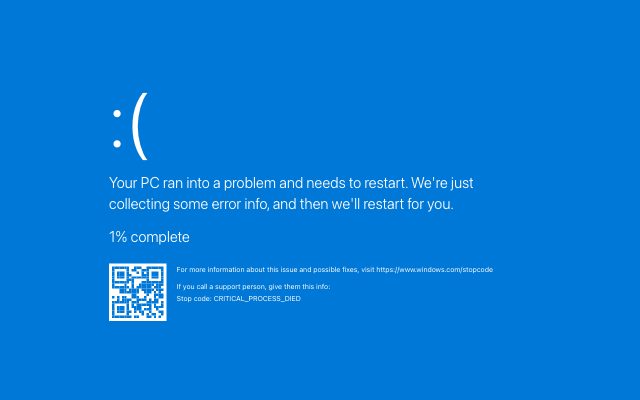
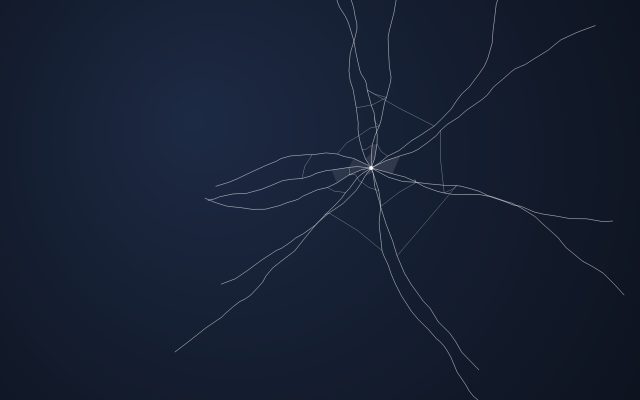
Prank screens
Harmless fullscreen pranks. Nothing is installed, and Esc gets you out.
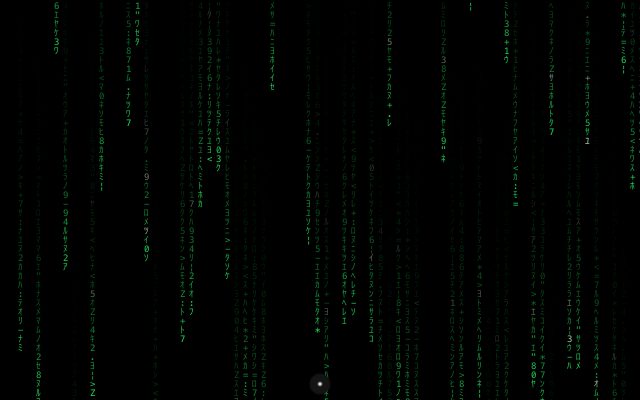
Screensavers and backgrounds
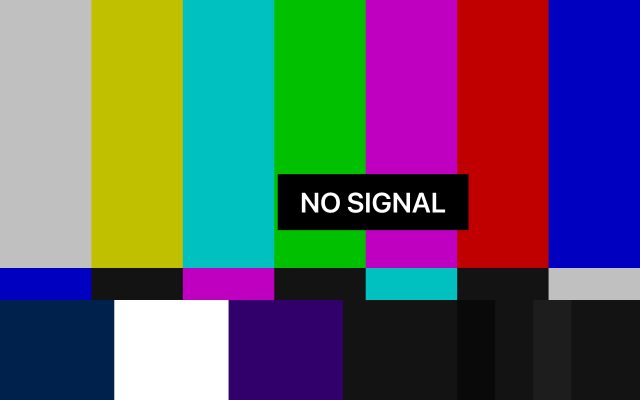
Moving screens and signs for spare monitors, shop windows, streams, parties and film sets.
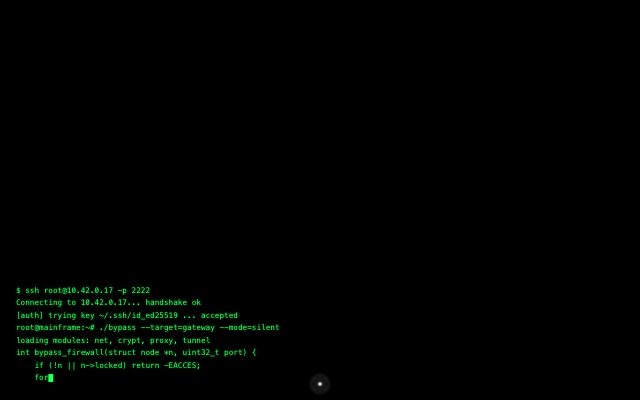

Film and video props
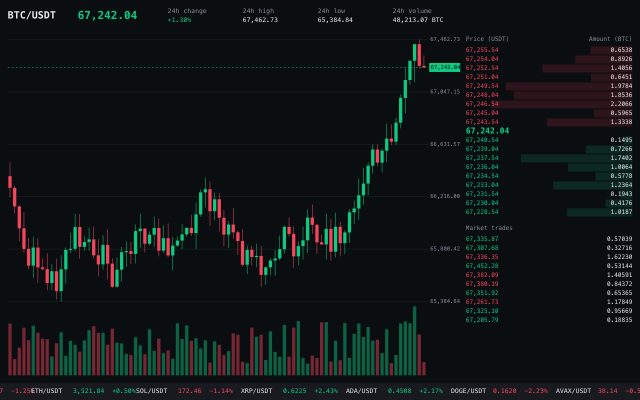
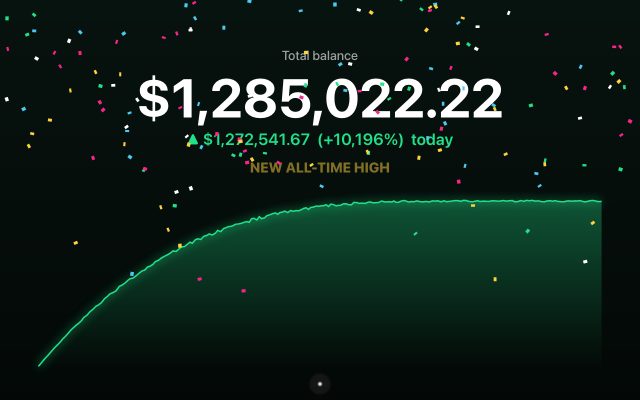
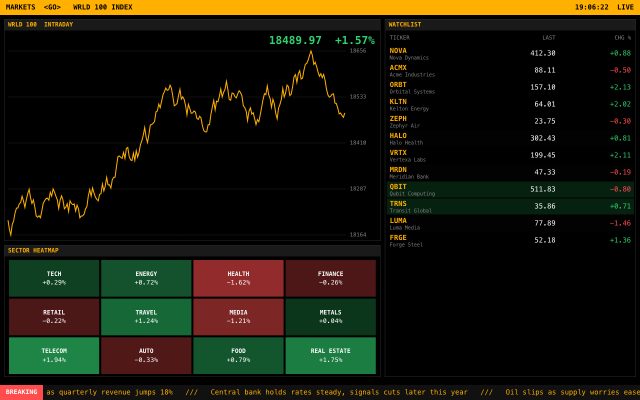
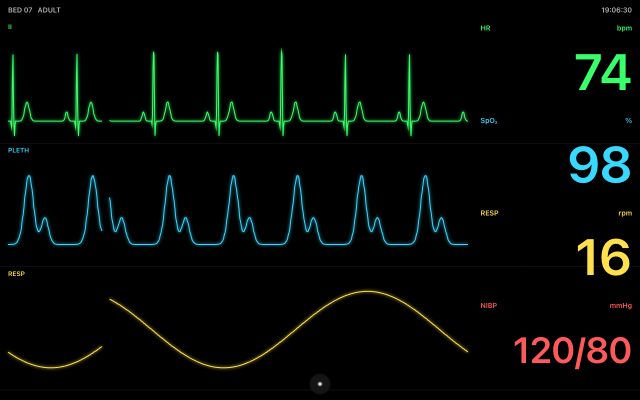
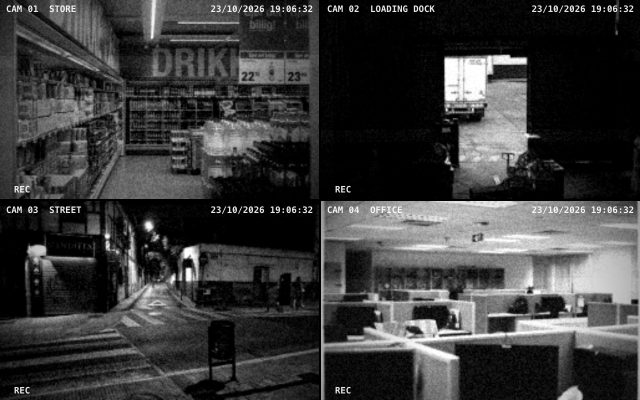
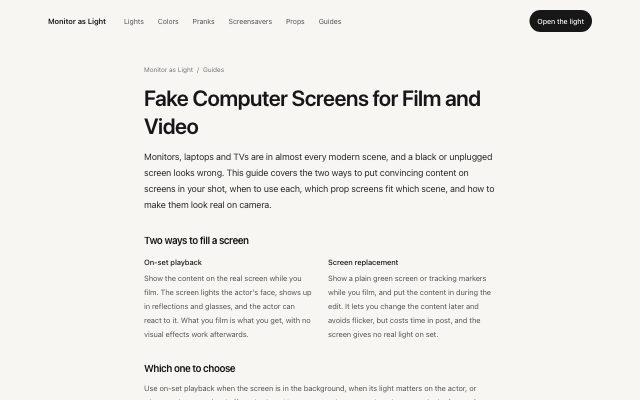
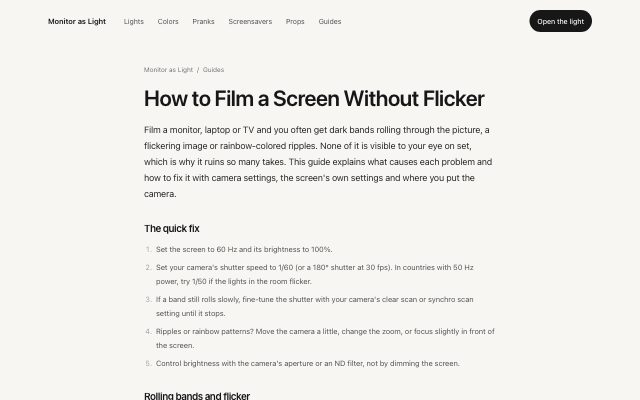
Believable screens for monitors that appear on camera: trading desks, hospitals, security rooms.
Guides
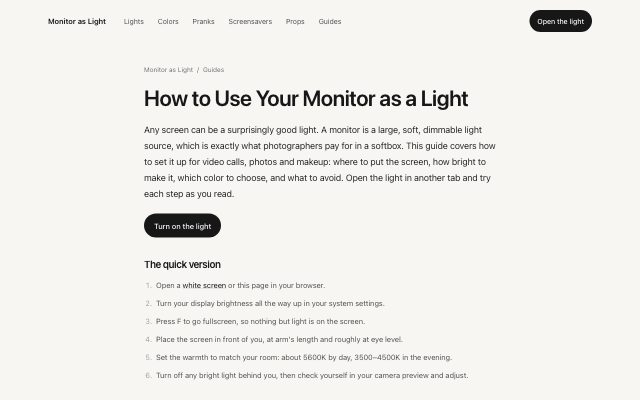
Step-by-step help for getting good light from a screen.
Why use your screen as a light
- It is already on your desk
- A monitor is a large, soft light source, similar to a small softbox. No lamp to buy or set up.
- Dimmable and any color
- Set the brightness and the warmth, from candlelight to daylight, or pick any color.
- Private by design
- The page only draws on your screen. It never asks for your camera, microphone or location.
- Works everywhere
- Any modern browser on a computer, tablet, phone or smart TV. Nothing to install.
Getting started
- Open the monitor light, or a ready-made screen such as the white screen or ring light.
- Turn your display brightness all the way up.
- Press F for fullscreen. Move the mouse or tap to bring the controls back, and press Esc to leave.
- New to this? Read how to use your monitor as a light.
Questions
Is it free?
Yes. There is no account, no download and no time limit. It runs in your browser and never asks for camera, microphone or location access.
Does it work on phones and tablets?
Yes. Open any screen in your browser, turn the brightness up and tap to show or hide the controls.
Are the prank screens safe?
Yes. The fake update, blue screen and broken screen are web pages in fullscreen. They install nothing and change nothing on the computer. Press Esc to leave.
How do I go fullscreen?
Press F on a keyboard, or use the fullscreen button in the bar at the bottom. Press Esc or F again to leave. On iPhone, Safari does not allow real fullscreen, so add the page to your home screen for the cleanest view.